Checking Jira Team Timesheet
When managing a team’s timesheets, the first priority is to ensure that everyone has filled out their timesheet. Most Jtimesheet…
When managing a team’s timesheets, the first priority is to ensure that everyone has filled out their timesheet. Most Jira timesheet applications only display users who have submitted at least one worklog for the given time period. This can make it difficult to identify users with missing time entries, especially if they haven’t submitted any worklog entries for Jira issues, as these users won’t appear in the timesheet view. It’s easy to overlook them.
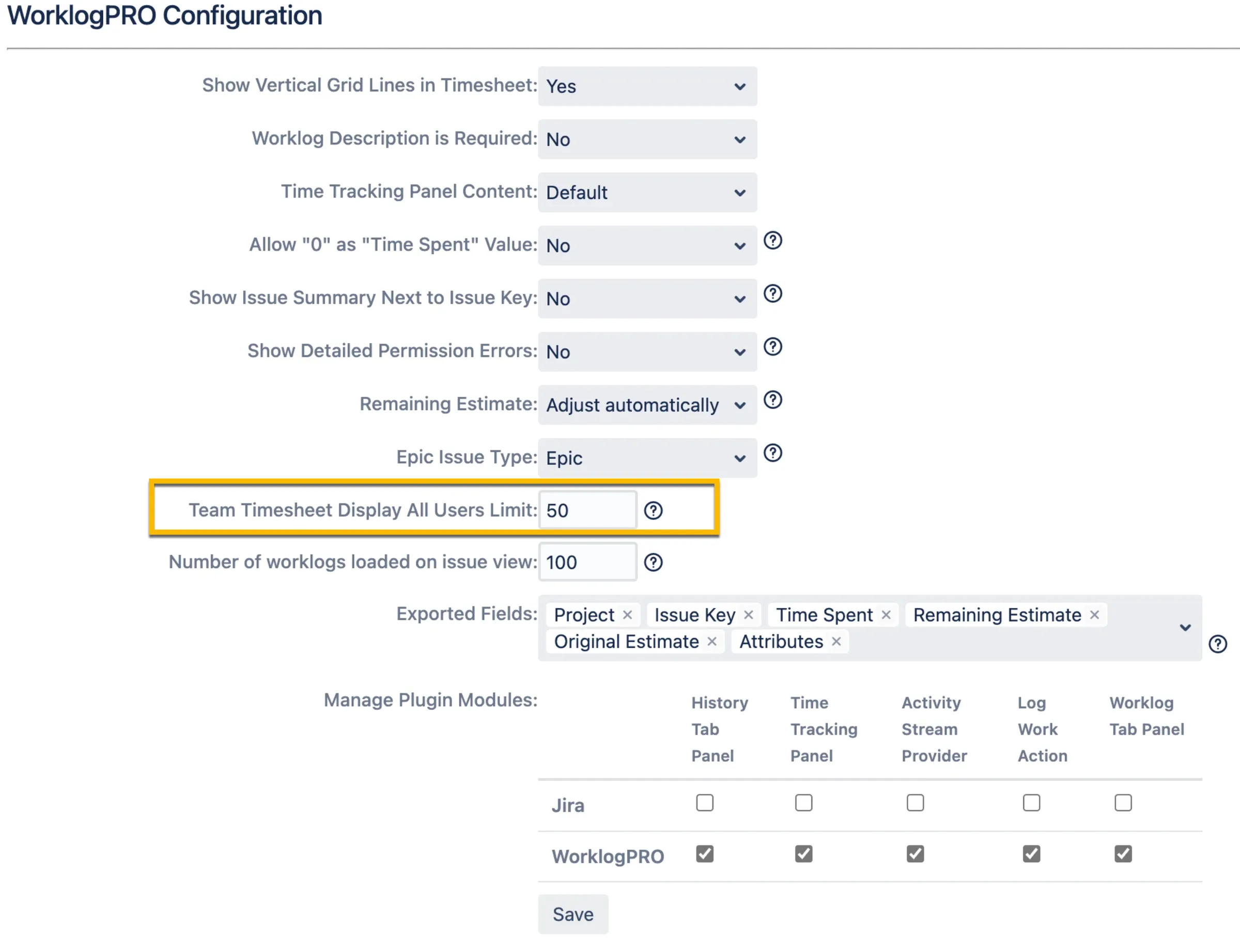
To address this issue, we’ve added a feature called “Team Timesheet Display All Users Limit” in WorklogPRO’s General Configuration screen. By enabling this feature and specifying a limit, WorklogPRO will display rows for users with no entries, up to the specified limit. The requirement for an explicit number might seem unusual, but it’s necessary because we allow the addition of Jira user groups to team memberships. Some Jira user groups can contain a large number of users, potentially thousands. This setting acts as a safety measure to handle such scenarios efficiently.