How to add Jira Worklog from command line
If your daily workflow is mainly from command line, you may not want to open your browser find the issue you have just fixed and log work…
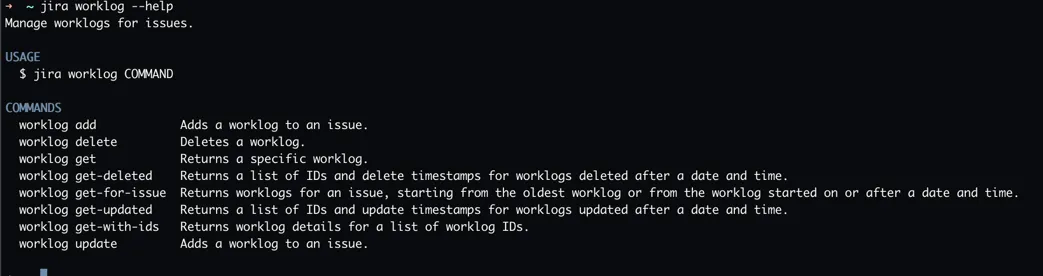
If your daily workflow is mainly from command line, you may not want to open your browser find the issue you have just fixed and log work for it using the mouse. It could me much more convenient to log your work from the command line.
worklog add --issue=IT-359 --comment="Upgraded server xyz" --timeSpent="2h 30m"Using the above command, you can log work to an issue. You don’t need any browser. You can use it in a headless environment. It works in all operating systems.
Our “CLI for Jira” app allows you to perform nearly any operation on your Jira instance.